

Organize
Every job in one place.
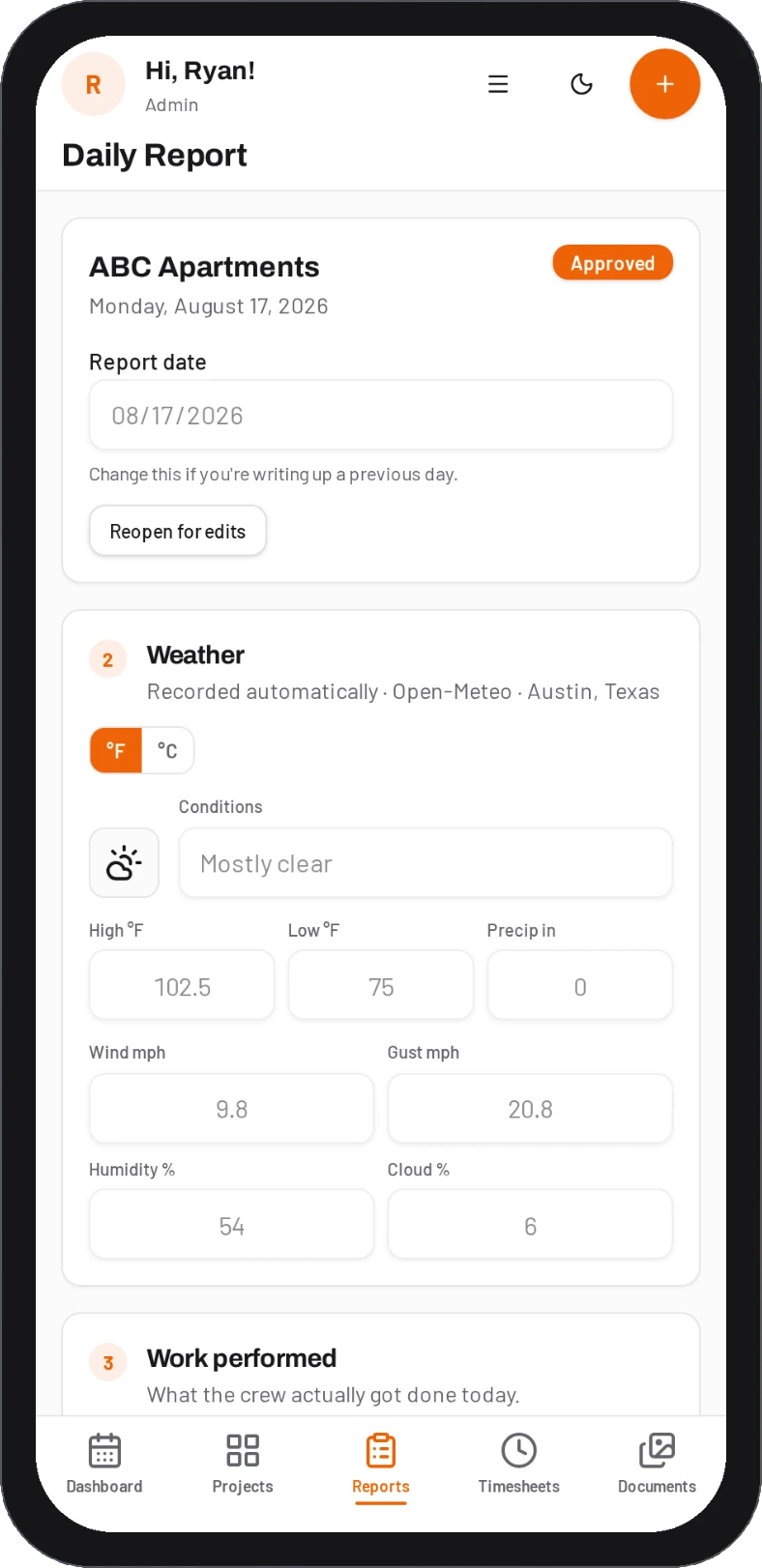
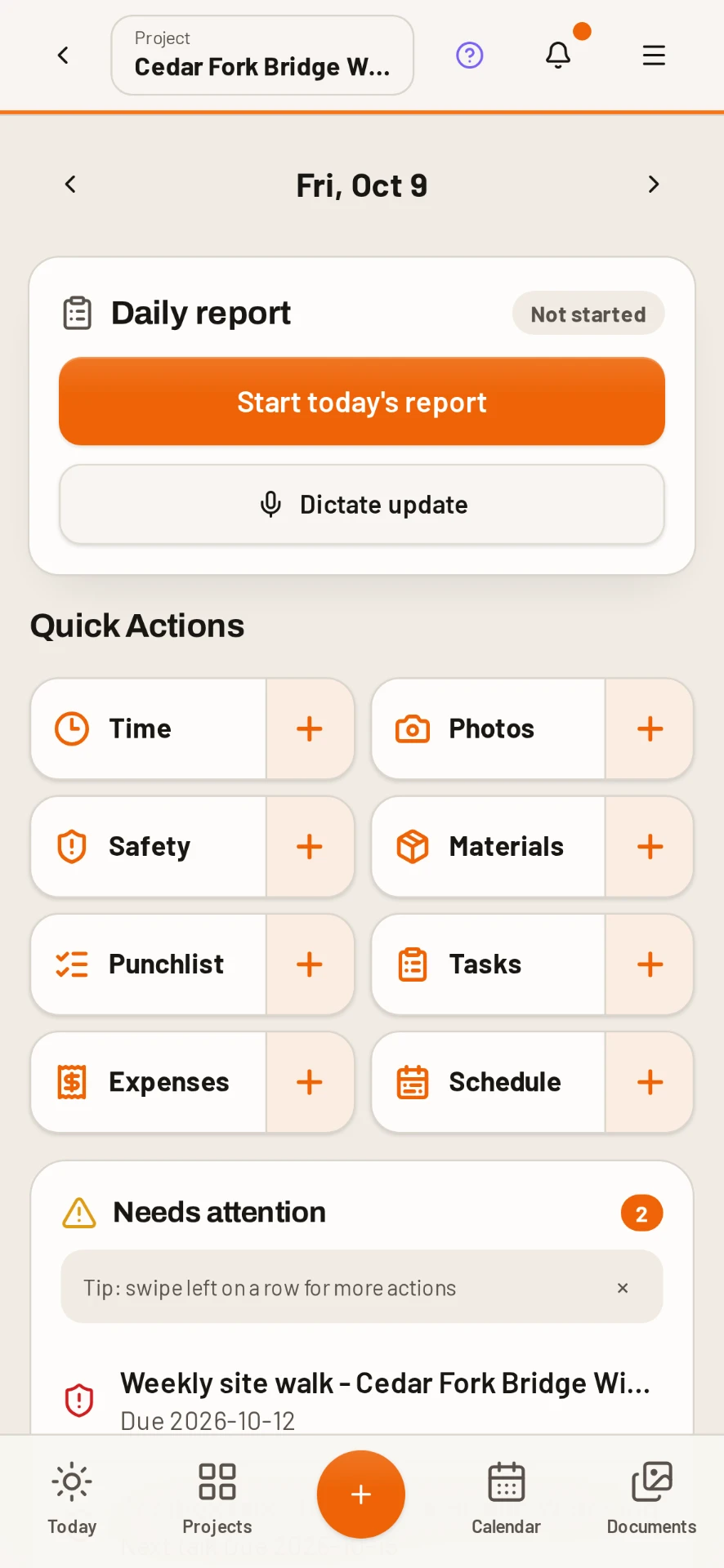
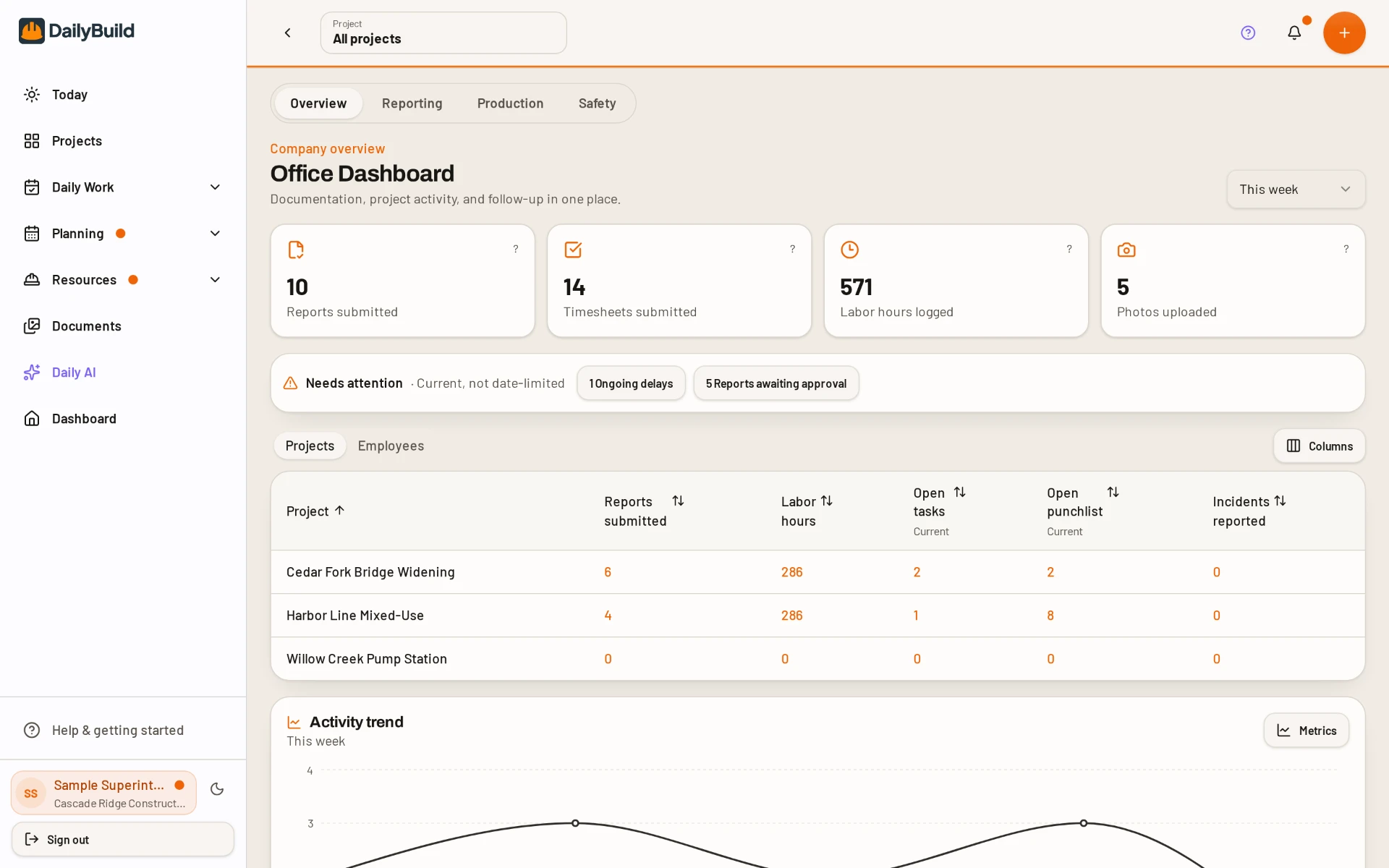
Daily reports, photos, timesheets, tasks, punch lists, RFIs, submittals and safety forms live under the project they belong to.
 By the team behind Construction Logs
DailyBuild keeps the forms you already use, then puts them on your phone. Fill them on site, keep every job organized, and ask AI about your plans and specs.
400k+ template downloads · Since 2016 · No credit card
Same daily report, timesheet and punch list. Now they travel with you.
Download it free and see how the form works.
Fill the same form on your phone, with photos, right on site.
Send a clean, branded PDF before you leave.
Organize
Daily reports, photos, timesheets, tasks, punch lists, RFIs, submittals and safety forms live under the project they belong to.
Centralize
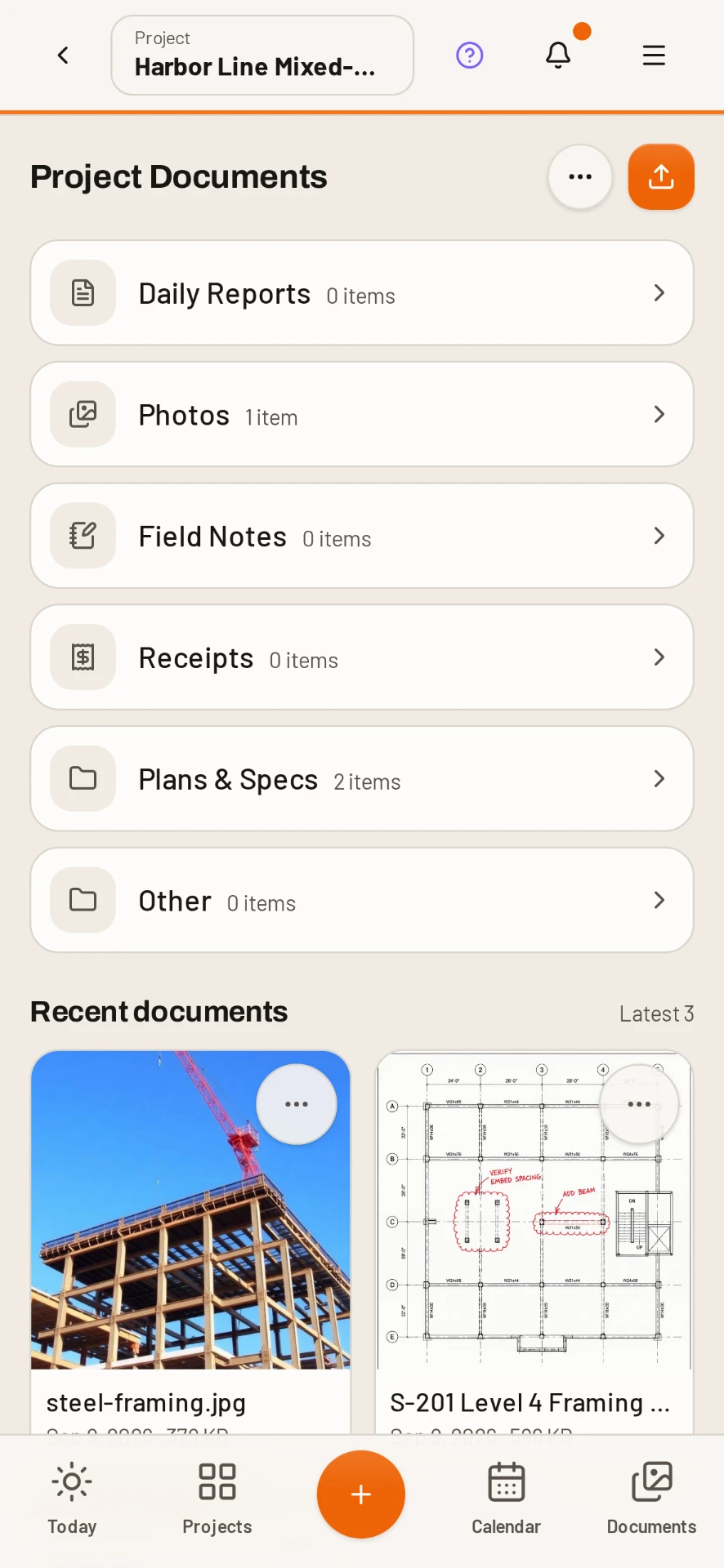
Link a Google Drive or SharePoint folder to each job. Plans and specs sync to the crew, and PDF markups save back as a new version.
Automate
New reports pre-fill crew and equipment, finished reports export as branded PDFs, and approved hours and receipts sync to QuickBooks Online.
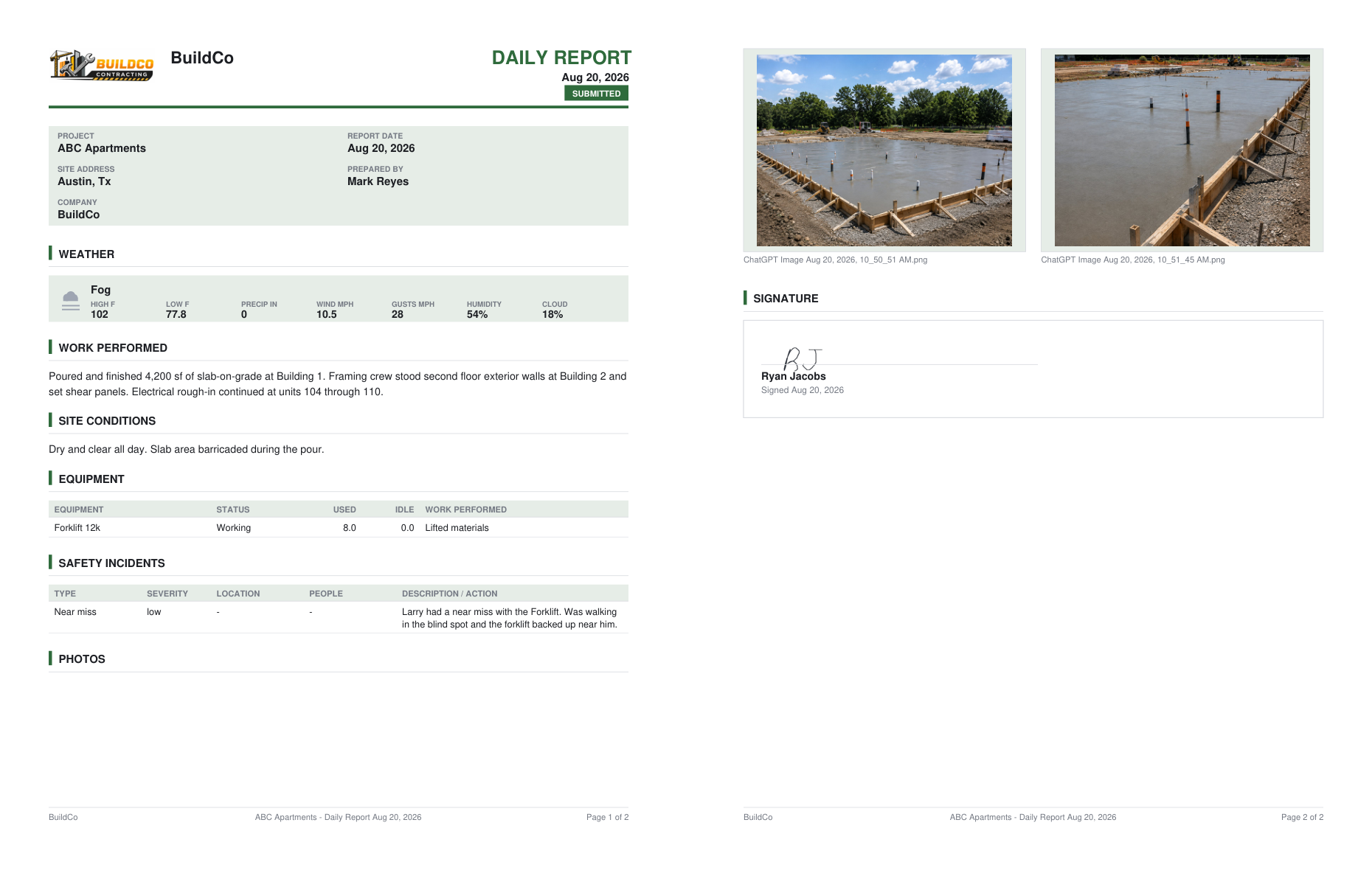
Built for the field
Native iPhone, iPad and Android apps. Reports, hours, tasks and receipts save with no signal and sync when you are back online.
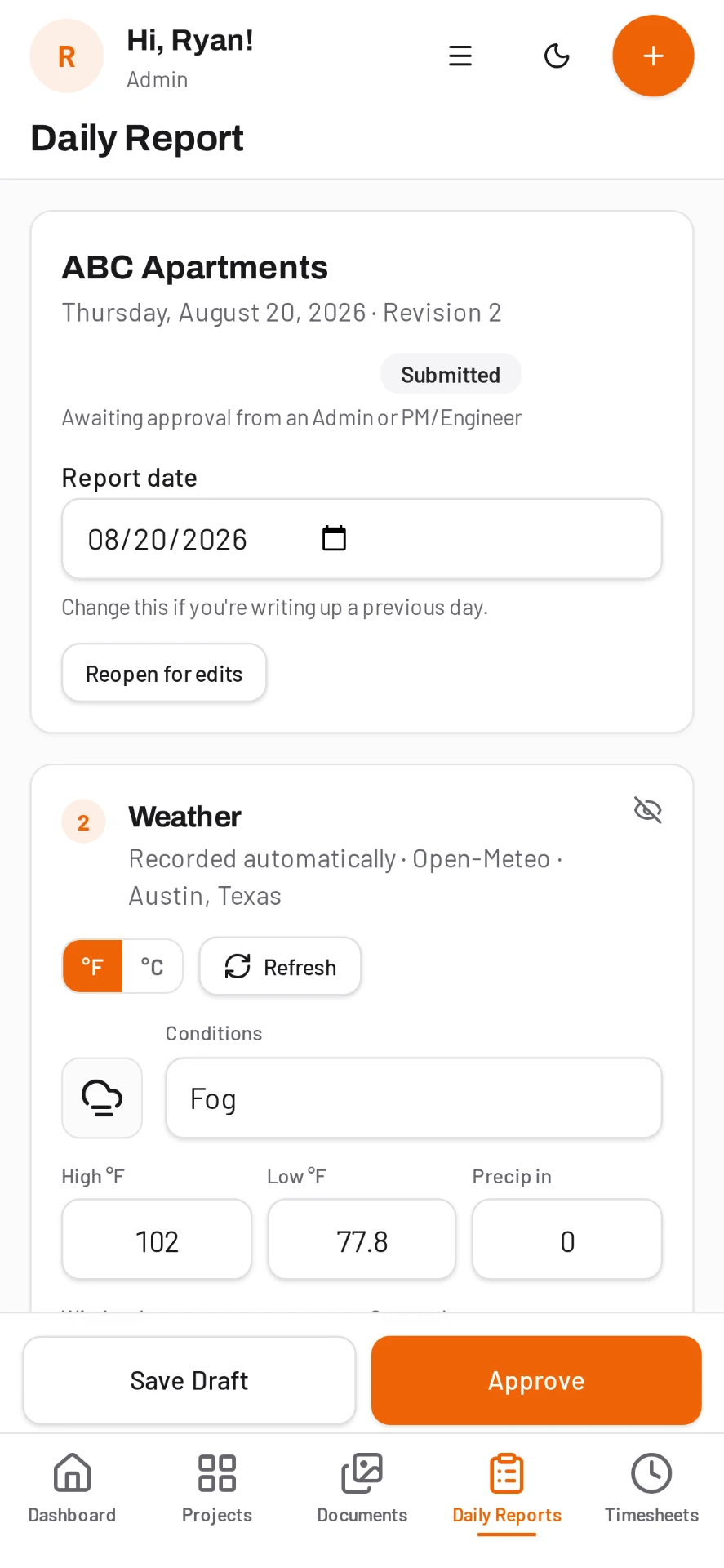
Daily AI, built in
Type it the way you would say it. Daily AI reads your plans, specs, submittals and daily reports, then answers with the page it came from.
"What is the fire rating on the corridor walls?"
Pulls the assembly from the spec section and shows the page it came from.
"What days did we lose to weather in March?"
Reads the month's daily reports and lists the days and hours lost.
"What punch items are still open for the electrician?"
Checks the live punch list and groups open items by location.
Ask your documents
Plain questions about plans, specs, submittals, contracts and reports.
Draft an RFI
Turns a rough question into a clean RFI you can send or assign.
Write a toolbox talk
Name the hazard and get a full talk, ready for sign-in.
Summarize a PDF
The short version of a long submittal or contract section.
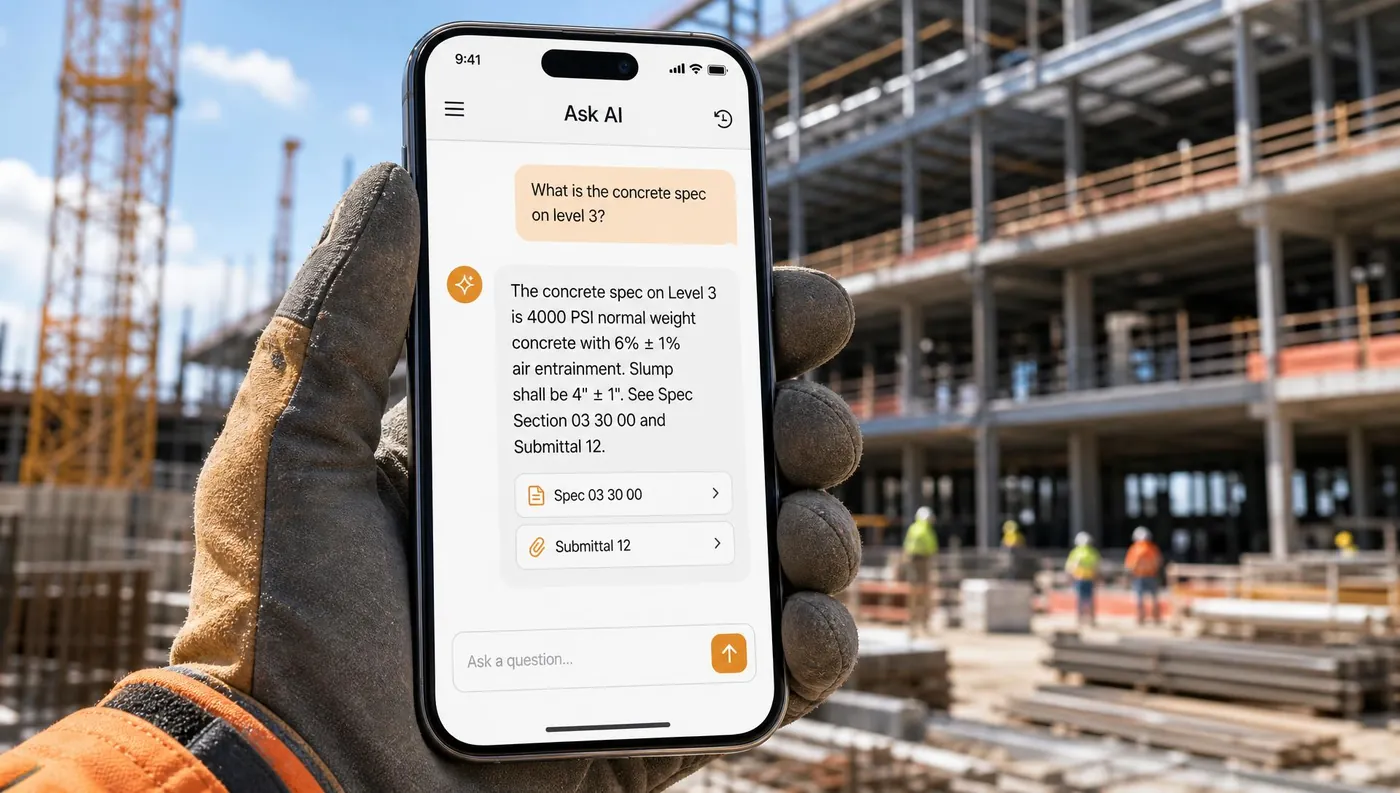
The most downloaded Construction Logs forms, and where they live in DailyBuild.
| Free Excel template | DailyBuild | |
|---|---|---|
| Fill it out | At a desk, after the shift | On a phone, on site |
| Photos | Pasted in later | Taken right into the report |
| No signal | Works, but stuck on one laptop | Saves offline, syncs later |
| Sharing | Email the file around | Branded PDF in one tap |
| Finding answers | Search folders by hand | Ask Daily AI, with the page cited |
| Cost | Free | From $49/month, unlimited users |
Basements, rural sites, steel decks. The app saves your work offline and syncs when the signal comes back.



 QuickBooks Online
Included on every plan, no add-on.
Simple pricing
From $49/month
Yes. DailyBuild was built by the founder of Construction Logs, after years of seeing which templates contractors use every day.
No. The templates stay free. DailyBuild is for when you want those same forms filled on a phone, shared as PDFs and kept in one place.
Yes. In the native app, daily reports, hours, tasks and receipts save on the device and sync when you are back online.
Daily AI reads the documents and records in your own projects, cites the file and page for each answer, and says so when it cannot find the answer.
Plans start at $49/month, every plan includes unlimited users and all features, and there is a 14-day free trial with no credit card.
Click through a real project in the demo. No signup needed.